
Realtime Landscaping Architect
Design professional landscape plans and presentations.
Create photo-based designs, plan drawings, and even full
3D walkthroughs, all for only $599
2026 Now Available. See What's New
Already own Architect? Upgrade Now
Realtime Landscaping Architect
Design professional landscape plans and presentations.
Create photo-based designs, plan drawings, and even full
3D walkthroughs, all for only $599
2026 Now Available. See What's New
What’s New for 2026
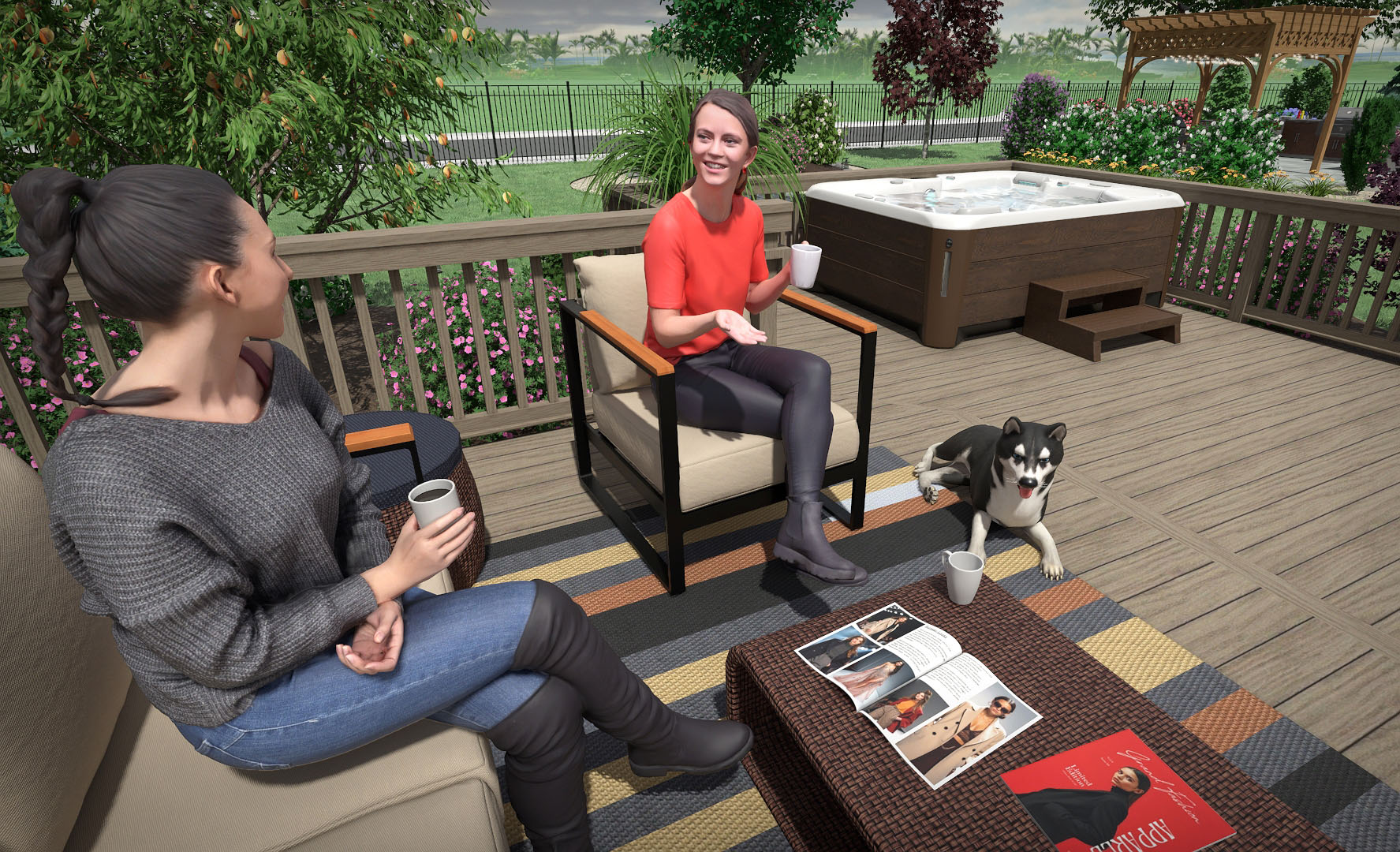
Improved Path Tracing with Movie Support
The path tracer has been substantially improved for both quality and performance. Rendering speeds are now roughly twice as fast with improved quality.
Path tracing can now also be used when creating movies. When rendering animations, the path tracer uses temporal reprojection, resulting in smoother motion and reduced noise across frames.
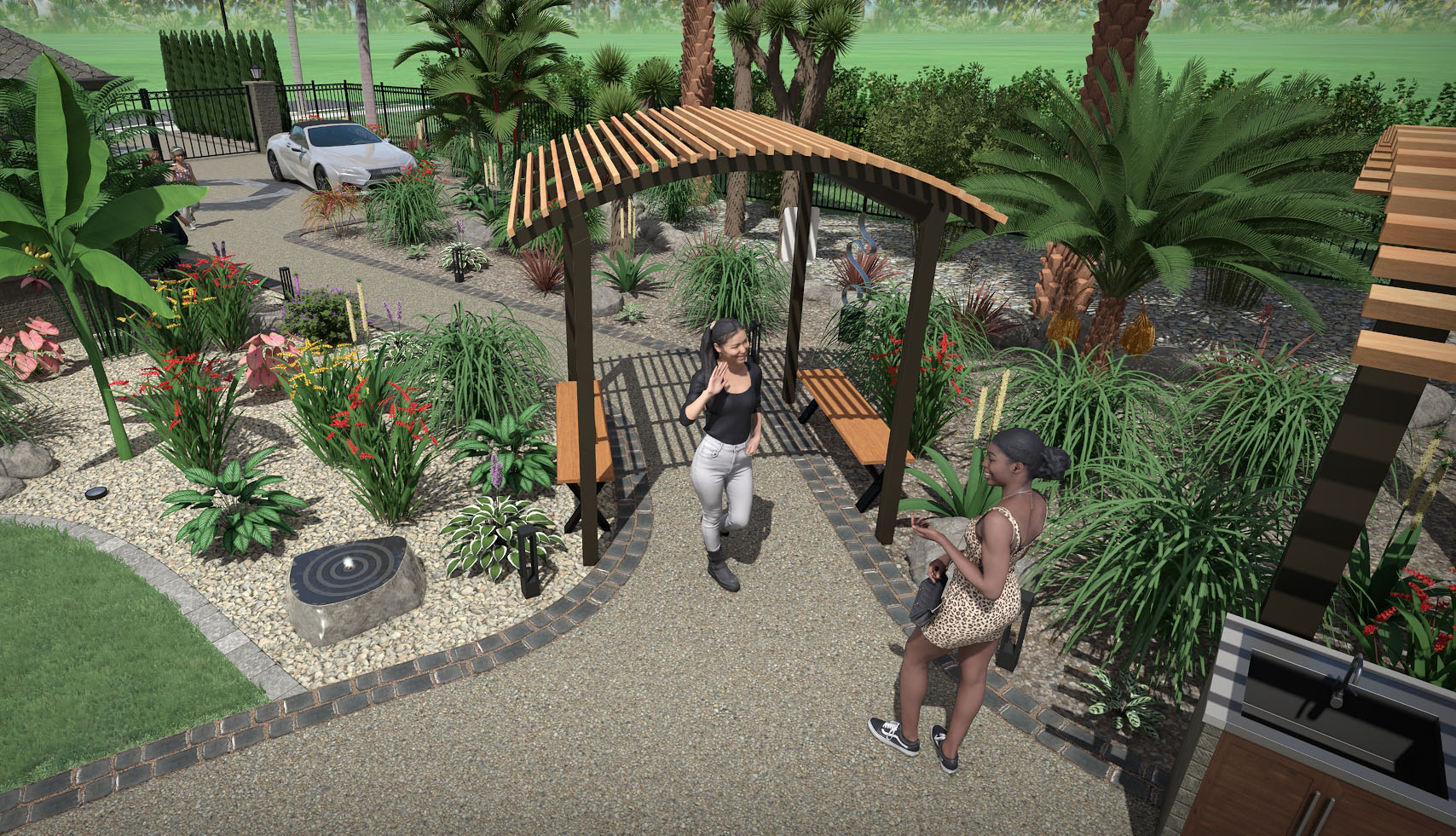
Use Symbols for More Objects
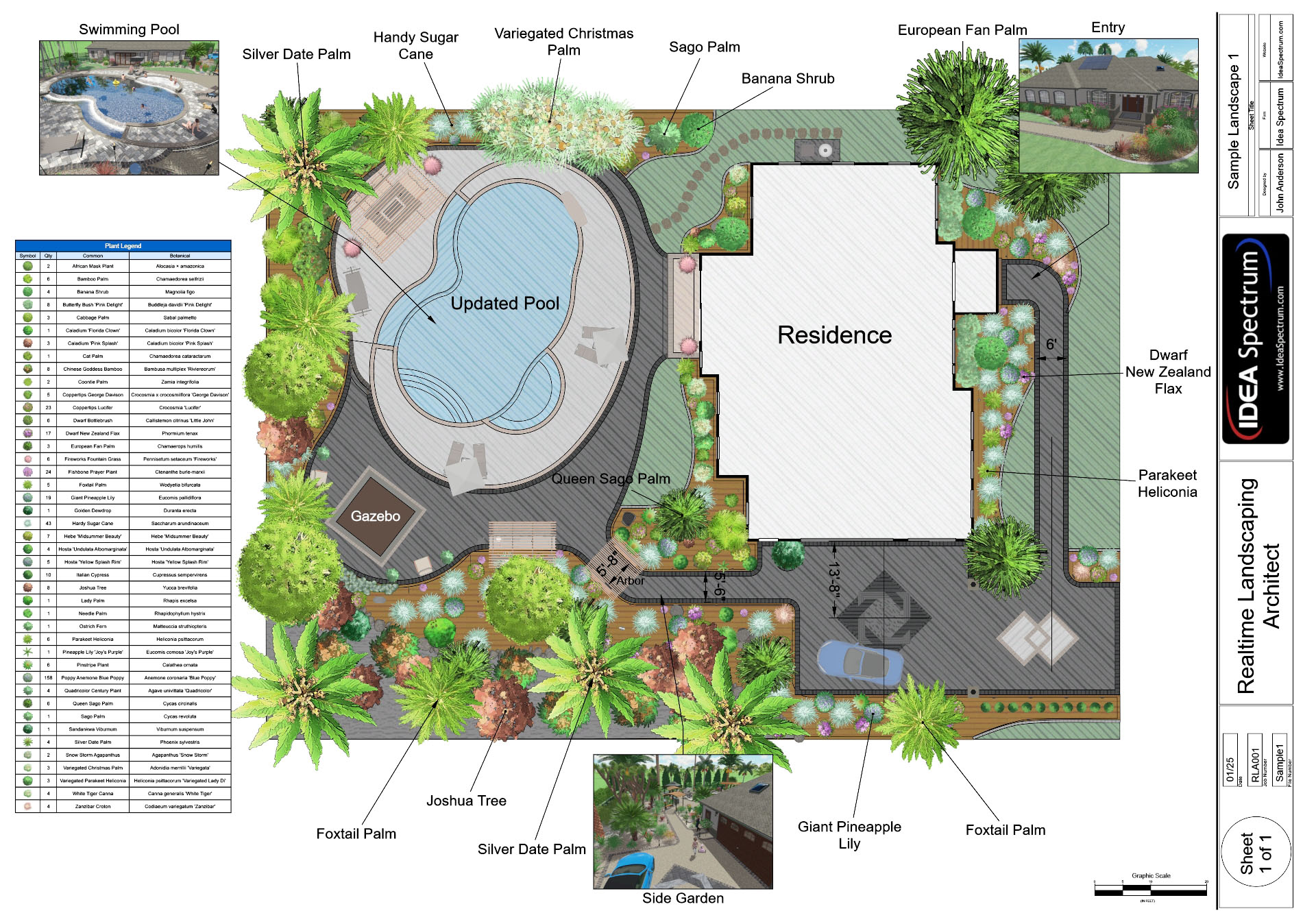
Many tools, such as Accessories, Lights, and Rocks, now support custom symbols in the Plan view.
Multiple symbol styles are available, including automatic object outlines, Faded, and Library/Custom symbols.
These features make plan drawings clearer and more customizable without affecting the 3D view.
Use Symbols for More Objects
Many tools, such as Accessories, Lights, and Rocks, now support custom symbols in the Plan view. Multiple symbol styles are available, including automatic object outlines, Faded, and Library/Custom symbols. These features make plan drawings clearer and more customizable without affecting the 3D view.
New Landscaping CAD Symbols
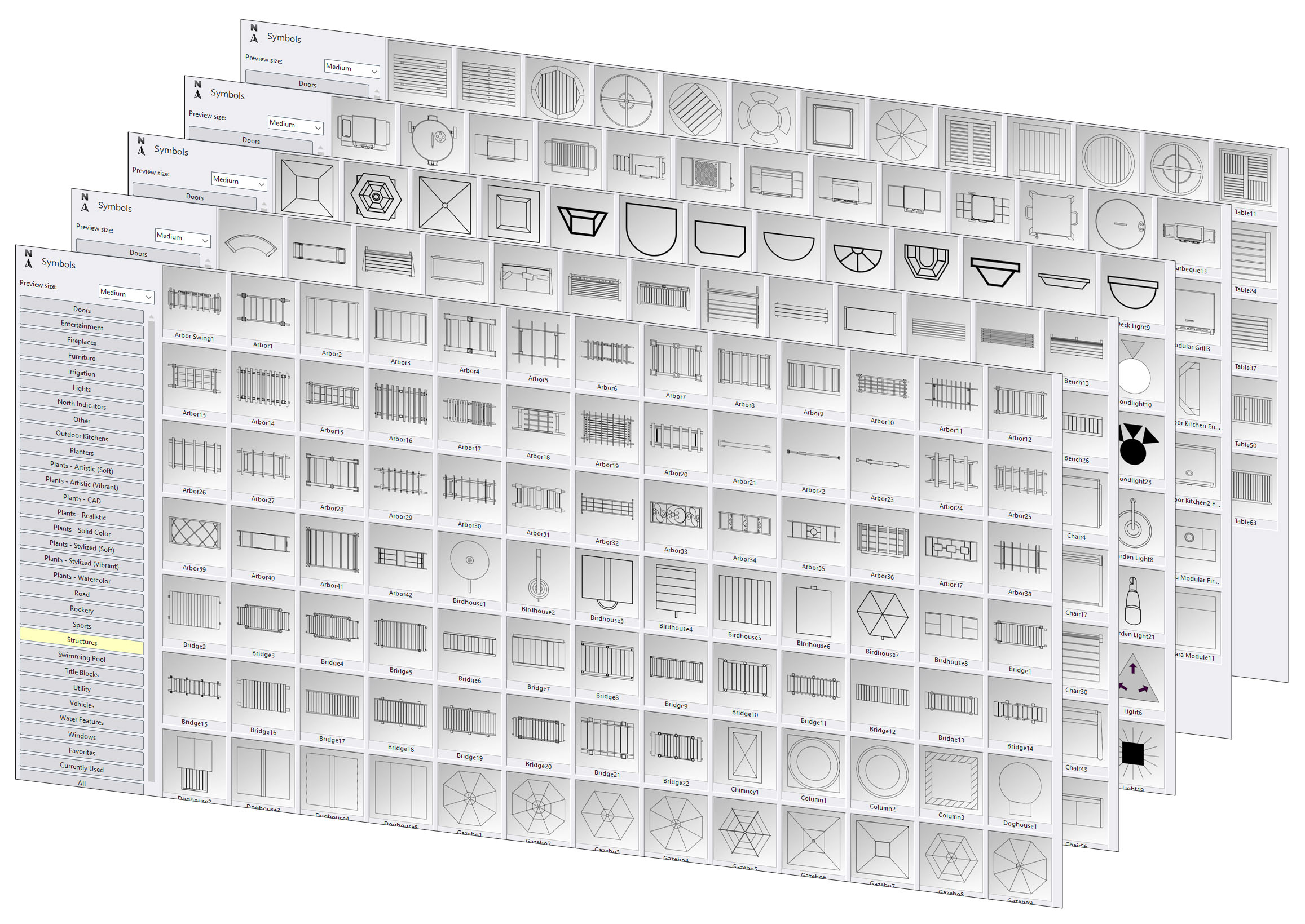
Over 900 new 2D line-based CAD symbols have been added to the Symbol library, making it easier to customize your Plan view.
New symbols include furniture, arbors and pergolas, outdoor kitchens, planters, rockery, and much more.
Symbols can be customized, giving you full control over their size, shape, and line style.
New Landscaping CAD Symbols
Over 900 new 2D line-based CAD symbols have been added to the Symbol library, making it easier to customize your Plan view. New symbols include furniture, arbors and pergolas, outdoor kitchens, planters, rockery, and much more. Symbols can be customized, giving you full control over their size, shape, and line style.
Remove Unwanted Tiling Patterns
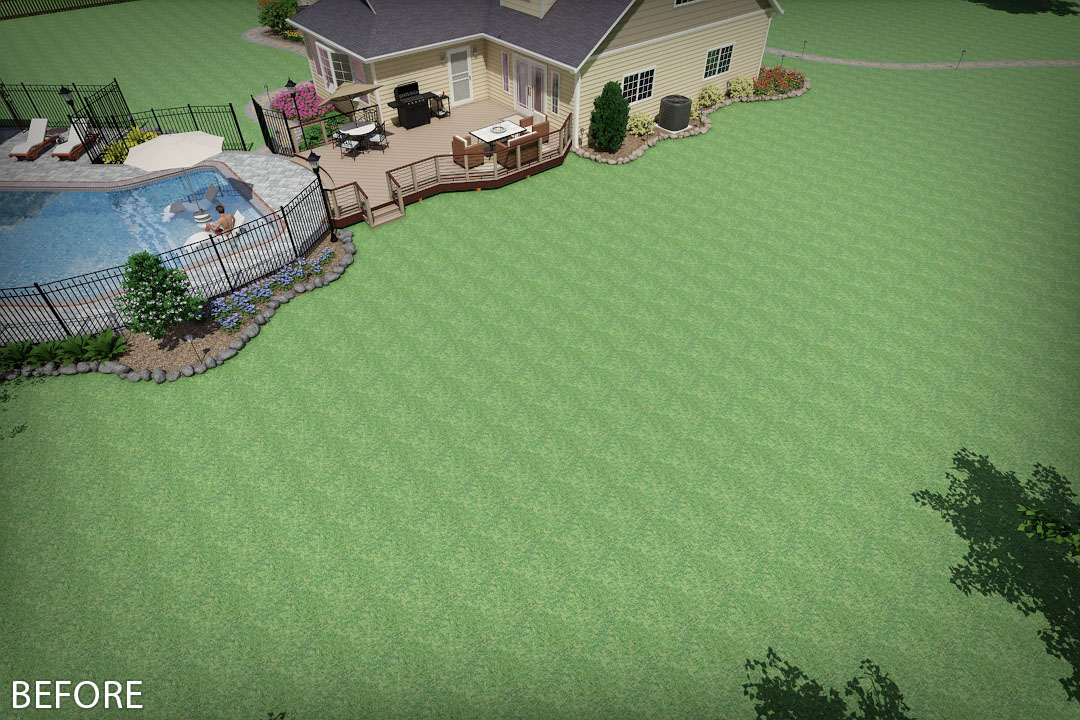
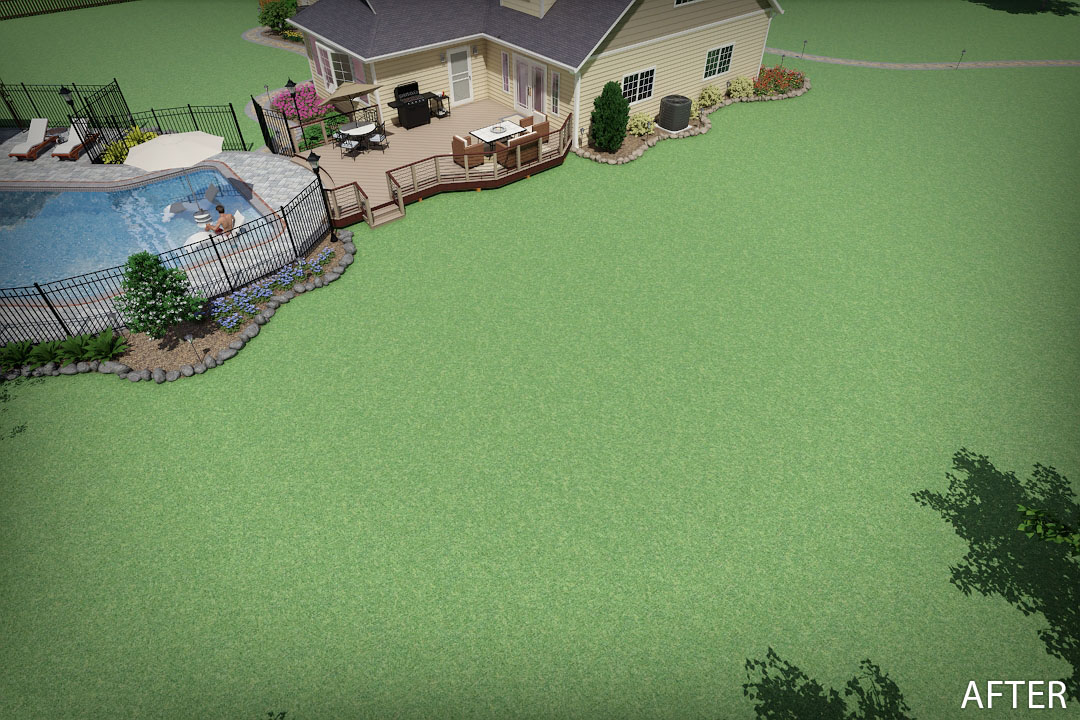
Some materials, such as grass and mulch, can show repeating patterns when viewed from a distance. With a single click, this feature automatically removes those patterns, resulting in more realistic renderings.
New Object List
The new Object List makes it easy to select, manage, and organize objects by type or layer. It shows which objects are currently selected, and lets you show, hide, lock, or unlock objects by type or layer.
This is especially helpful when working with larger, more detailed designs containing many objects.
The Object List can be shown or hidden as needed.
New Object List
The new Object List makes it easy to select, manage, and organize objects by type or layer. It shows which objects are currently selected, and lets you show, hide, lock, or unlock objects by type or layer. This is especially helpful when working with larger, more detailed designs containing many objects. The Object List can be shown or hidden as needed.
Recessed Doors and Windows
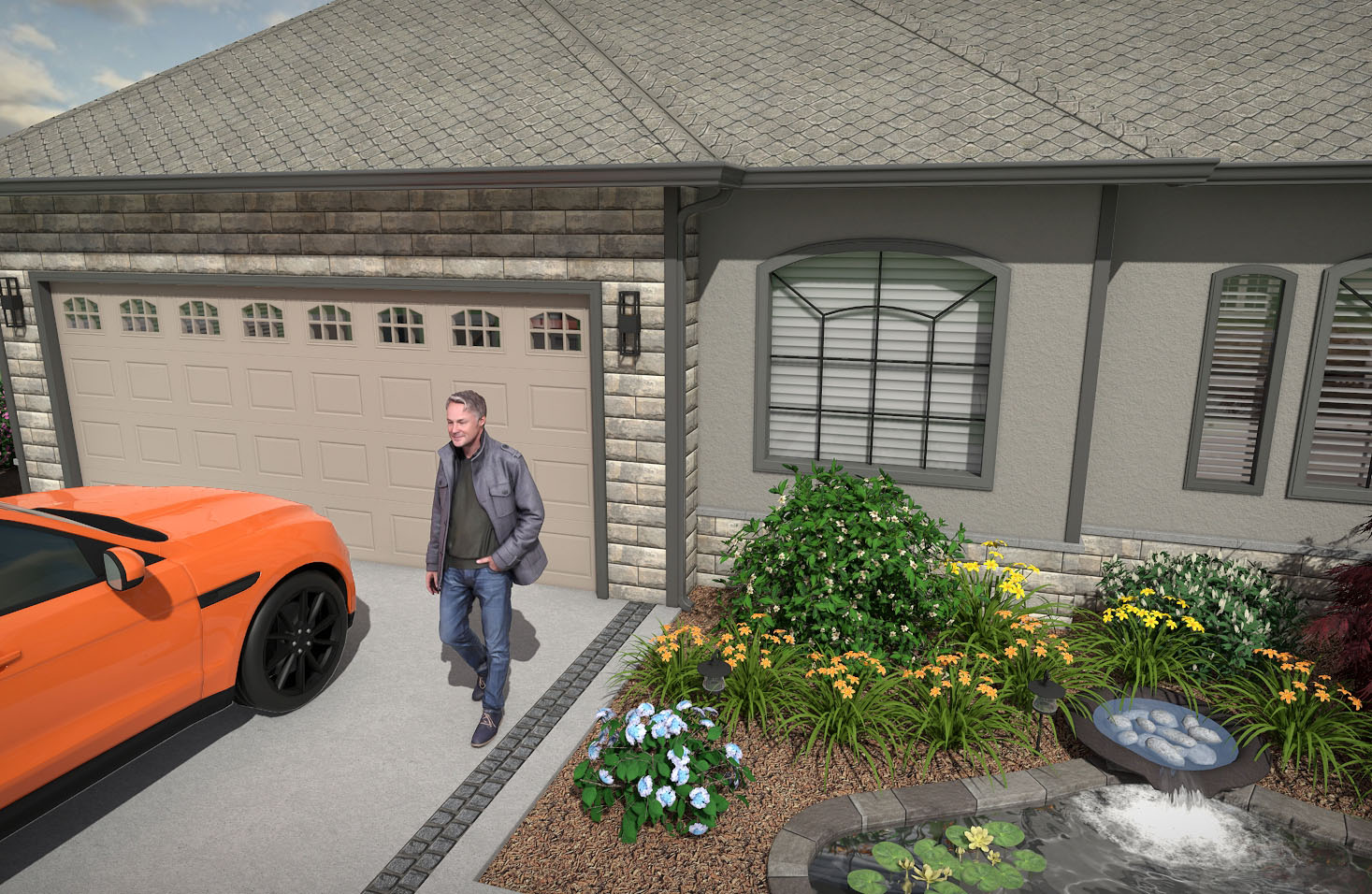
Doors and windows can now be recessed into walls for more accurate architectural detail. Recessed areas can use either the wall’s siding material or a custom trim color.
Expanded Arc Support
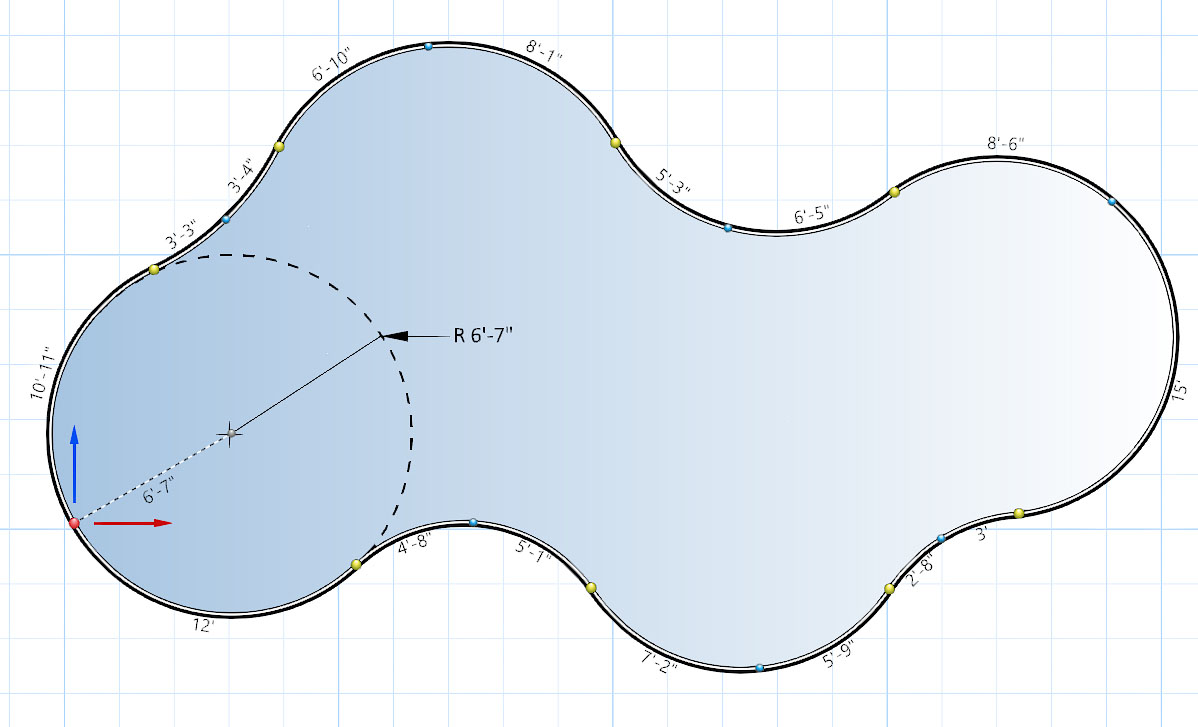
The use of arcs has been improved and unified across the program for greater accuracy and consistency.
Shapes can now be created using tangent arcs and 3-point arcs, making it easier to draw smooth, precise curves for swimming pools, walkways, and other designs.
Plan objects that use arcs now rely on true arcs rather than Bézier approximations, resulting in more accurate shapes.
The Round Corners tool has also been updated to create true arcs.
Expanded Arc Support
The use of arcs has been improved and unified across the program for greater accuracy and consistency. Shapes can now be created using tangent arcs and 3-point arcs, making it easier to draw smooth, precise curves for swimming pools, walkways, and other designs. Plan objects that use arcs now rely on true arcs rather than Bézier approximations, resulting in more accurate shapes. The Round Corners tool has also been updated to create true arcs.
Displacement Mapping
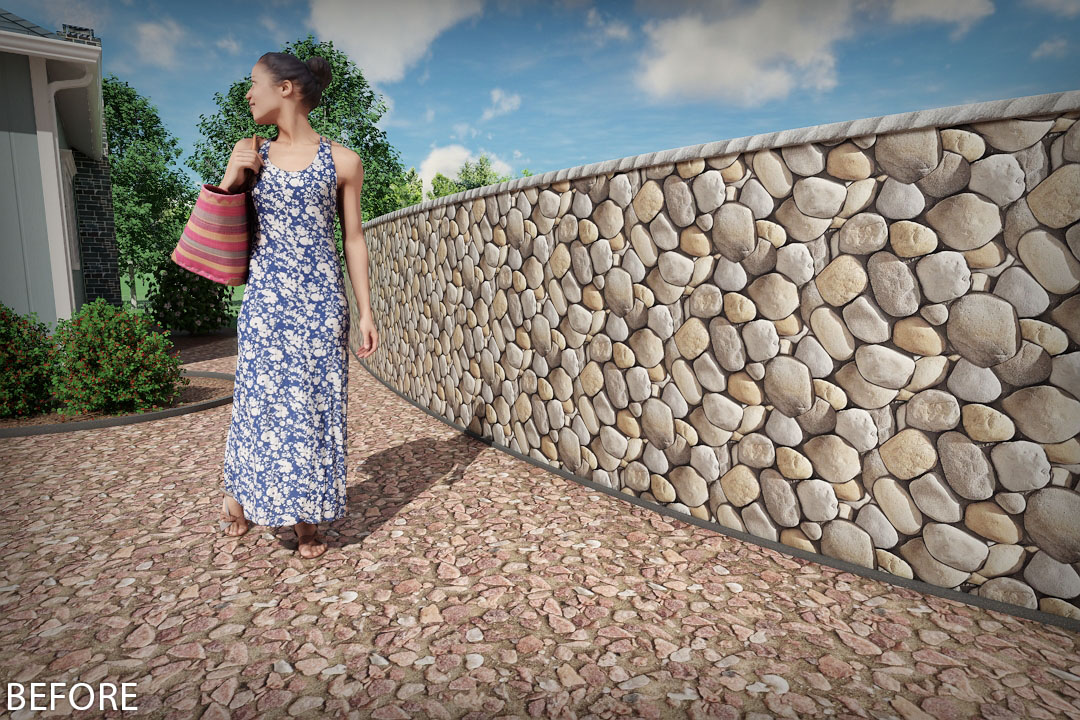
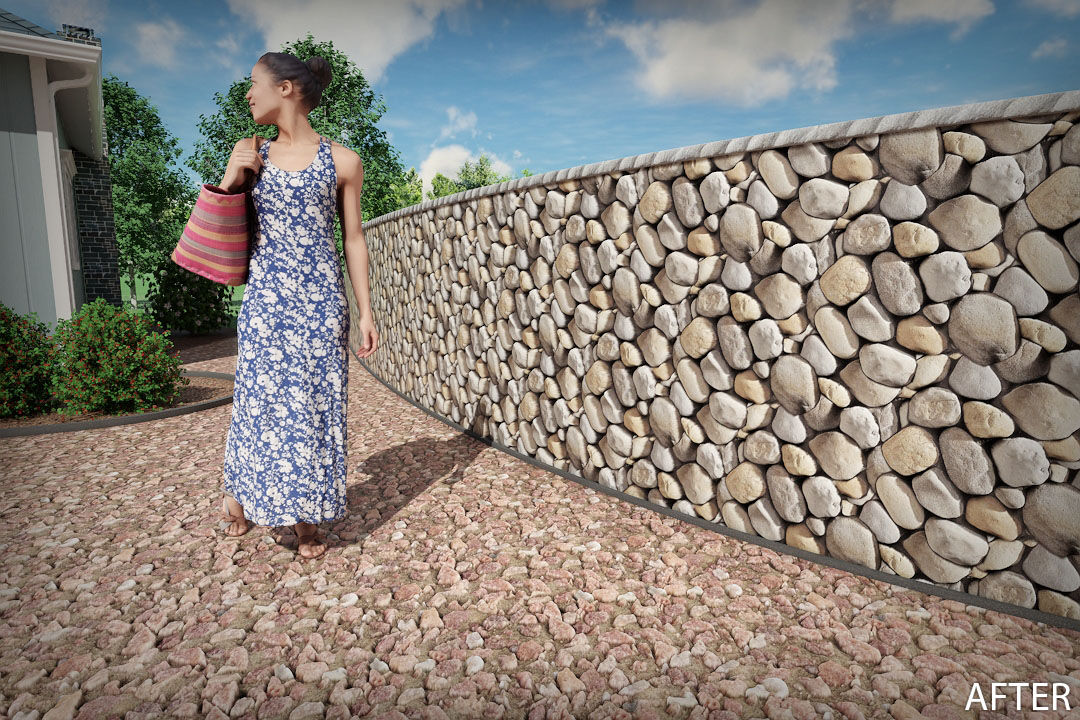
Displacement mapping, also known as height mapping, adds depth to materials such as stone, brick, and gravel. Displacement mapping is supported for materials with a normal map, so most materials will work without any changes. Custom displacement maps can also be imported.
New and Remastered Deck Components
The visual quality of deck railing, balusters, post caps, deck posts, and post trim has been improved.
New deck post cap lights have been added.
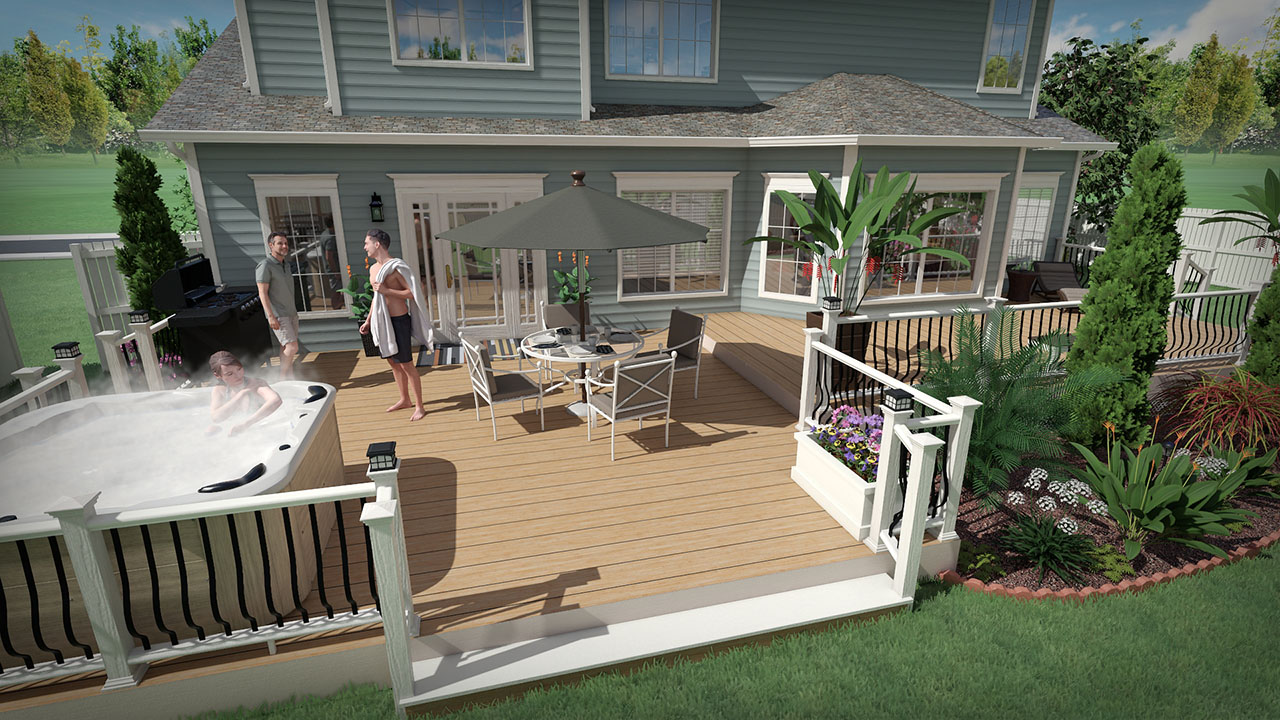
New and Remastered Deck Components
The visual quality of deck railing, balusters, post caps, deck posts, and post trim has been improved. New deck post cap lights have been added.
Decal Tool
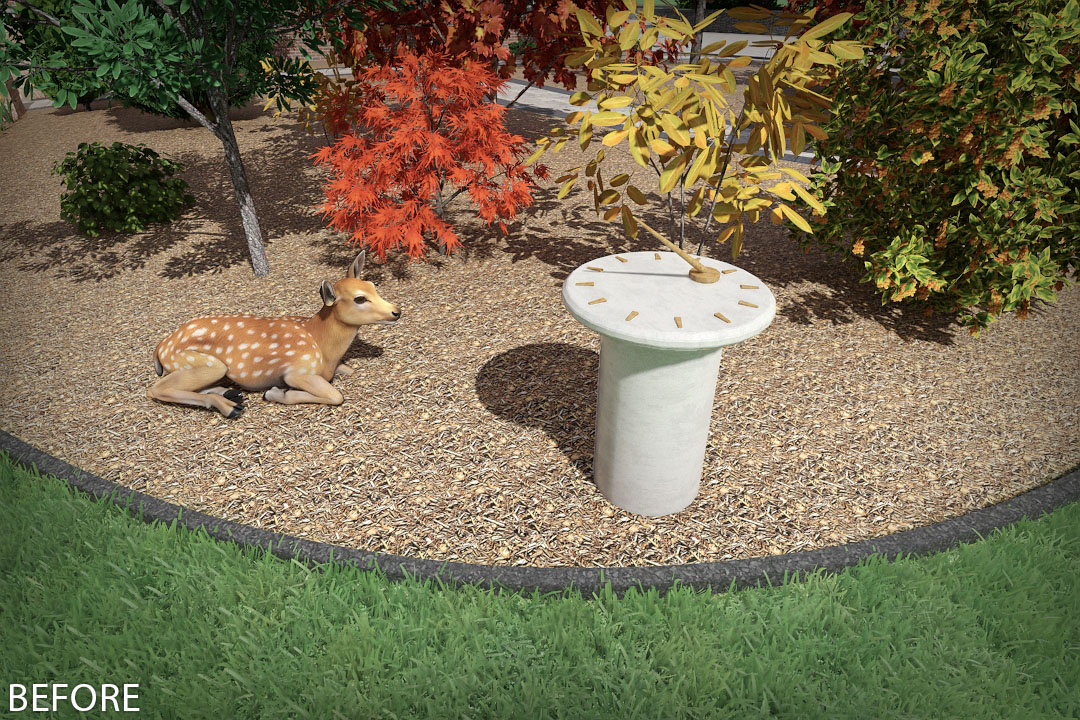
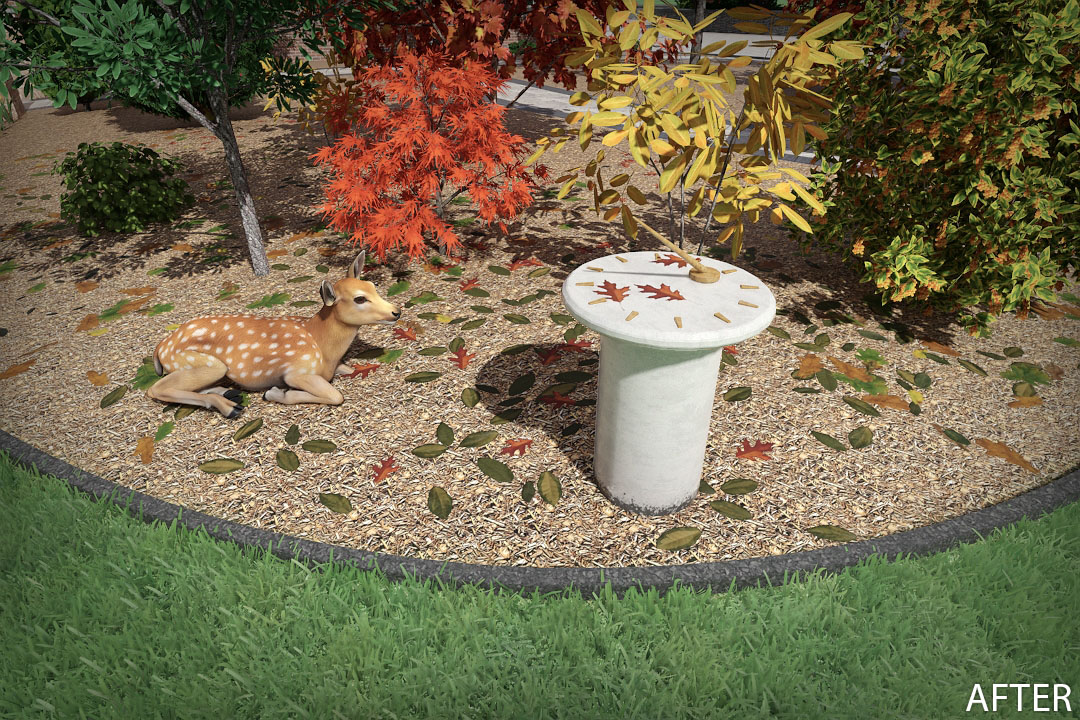
The new Decal tool lets you add visual detail on top of existing objects or materials. You can add rocks, flowers, leaves, cracks, weathering, vents, and more. Choose from 122 high quality decals, or import your own custom decals. Decals appear only in the Perspective view, but can be added and positioned in both the Plan and Perspective views.
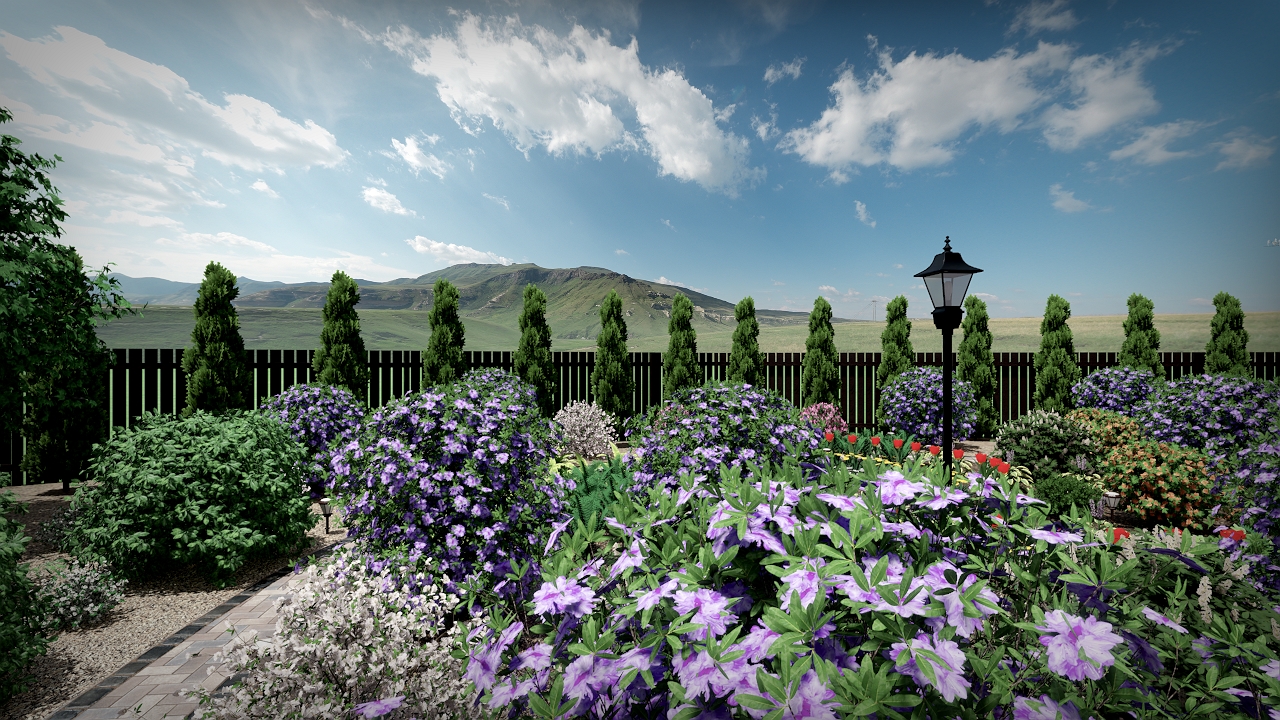
HDR Skies
Enhance your creations with HDR Skies: 360 degree panoramic backgrounds for your landscape designs. 66 skies are included, and more can be imported using the new HDR Sky Import Wizard.
New Materials
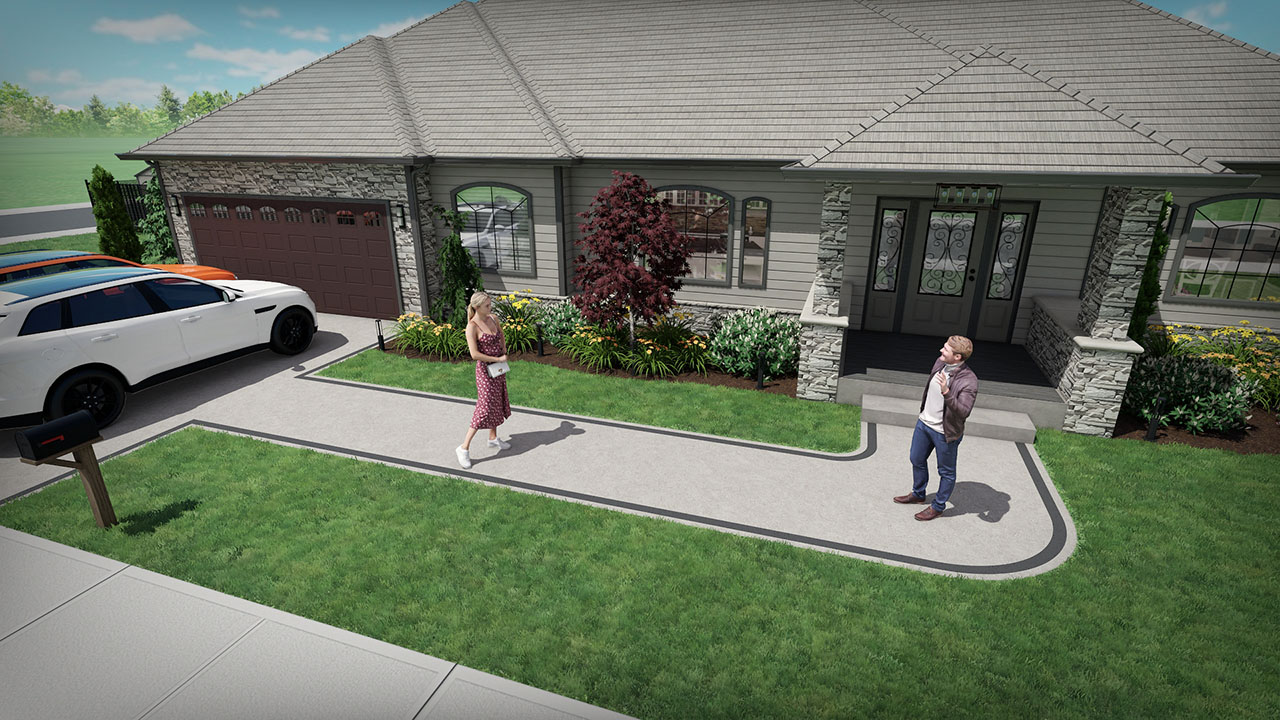
Over 300 high-quality materials have been added, including gravel, concrete, soil, mulch, asphalt, and fabric.
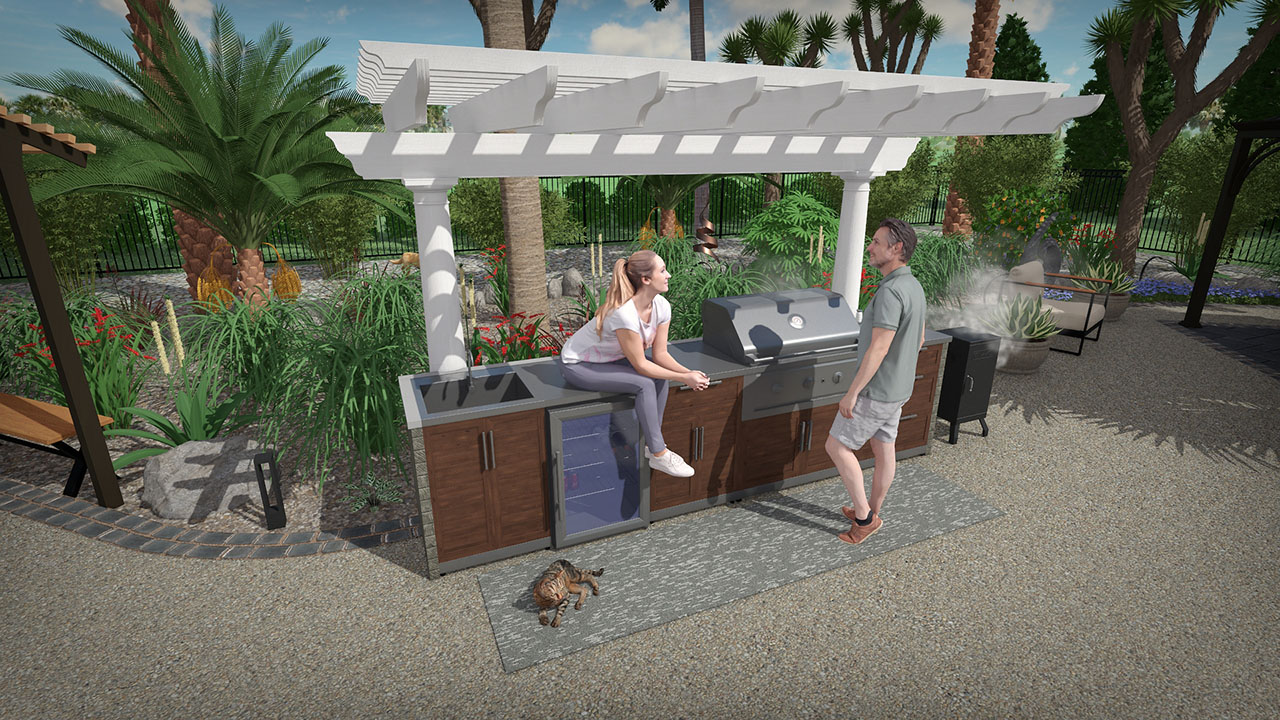
New and Remastered Outdoor Kitchens
New modular outdoor kitchen sections have been added, and existing options have been updated with more realistic materials.
New and Improved Lighting
The lighting library has been expanded with over 400 new lights, including both house and landscape lighting options.
Existing lights have also been refined to produce more realistic illumination when turned on.
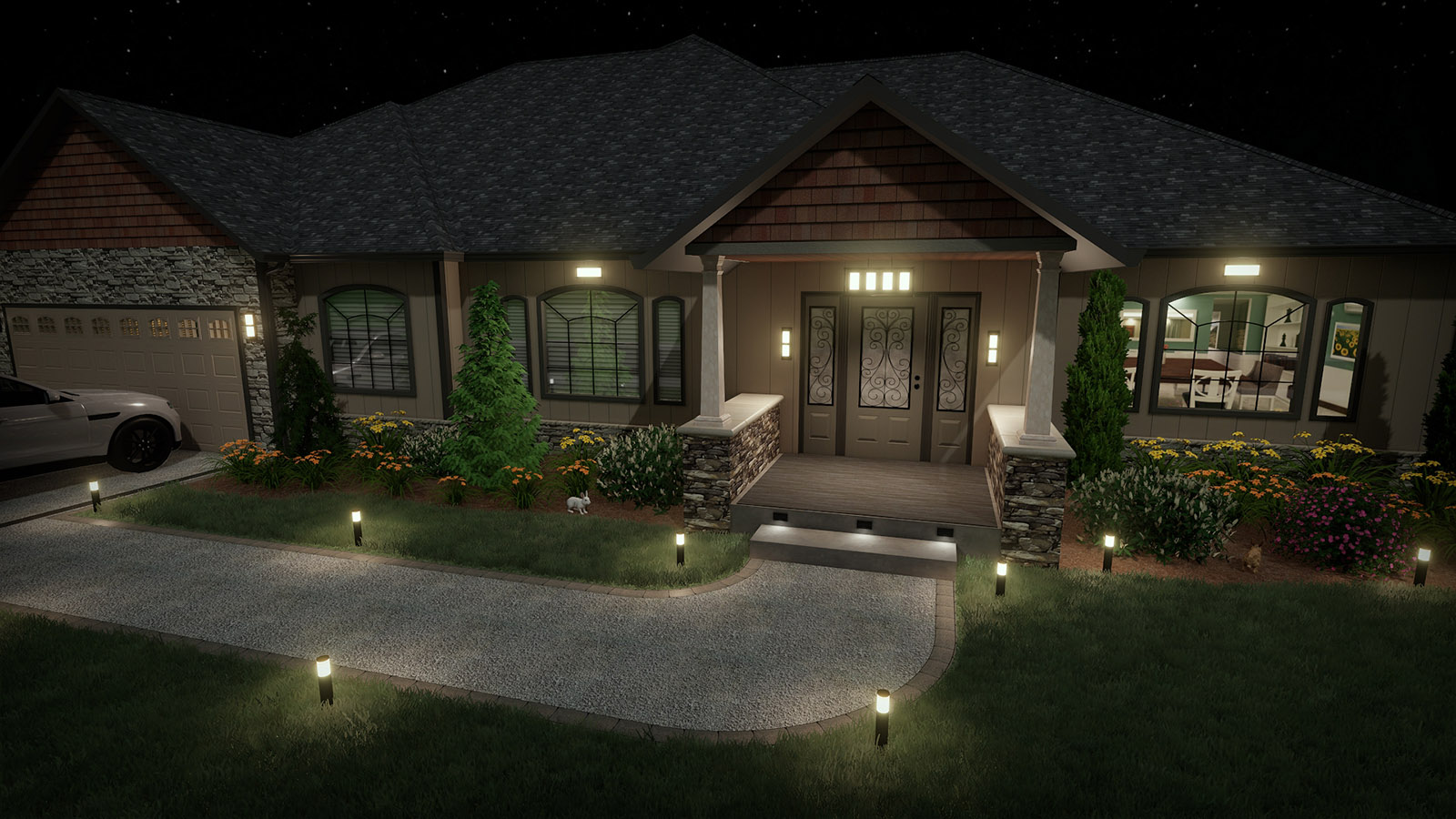
New and Improved Lighting
The lighting library has been expanded with over 400 new lights, including both house and landscape lighting options. Existing lights have also been refined to produce more realistic illumination when turned on.
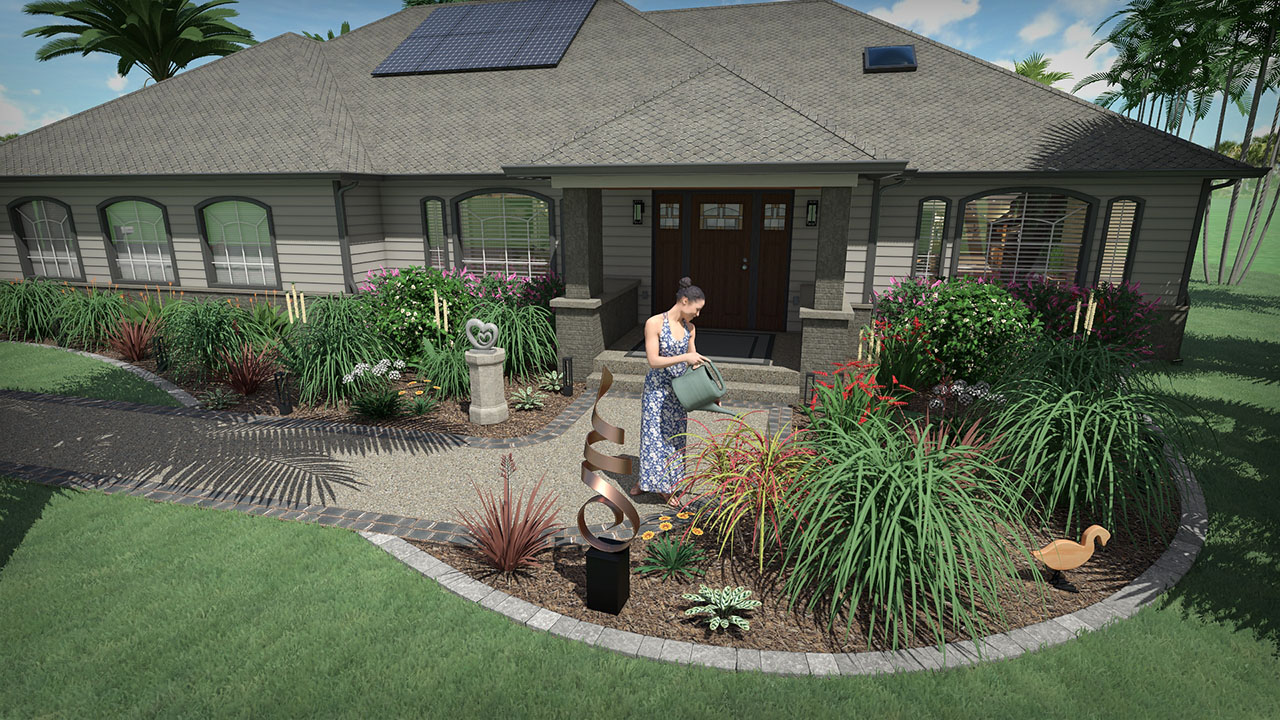
New Accessories
160 new accessories have been added, including outdoor rugs, statues, sculptures, birdhouses, and other decorative items.
New Accessories
160 new accessories have been added, including outdoor rugs, statues, sculptures, birdhouses, and other decorative items.
Data Transfer Wizard
New wizards are available for importing and exporting custom data, settings, price lists, and landscape designs.
This makes it easier to copy your design environment to another PC for yourself or a colleague, or create a backup for safekeeping.
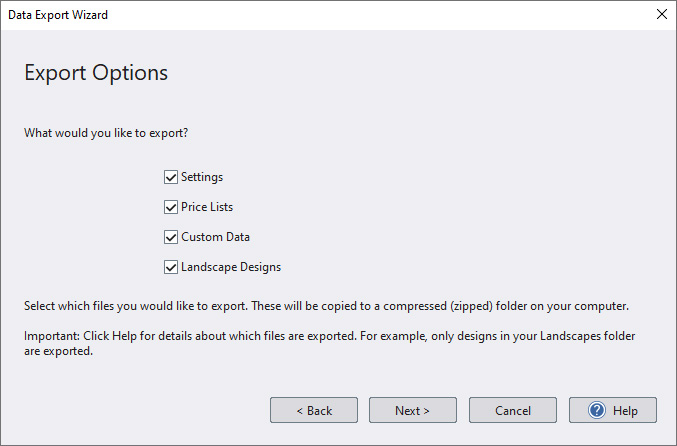
Data Transfer Wizard
New wizards are available for importing and exporting custom data, settings, price lists, and landscape designs. This makes it easier to copy your design environment to another PC for yourself or a colleague, or create a backup for safekeeping.

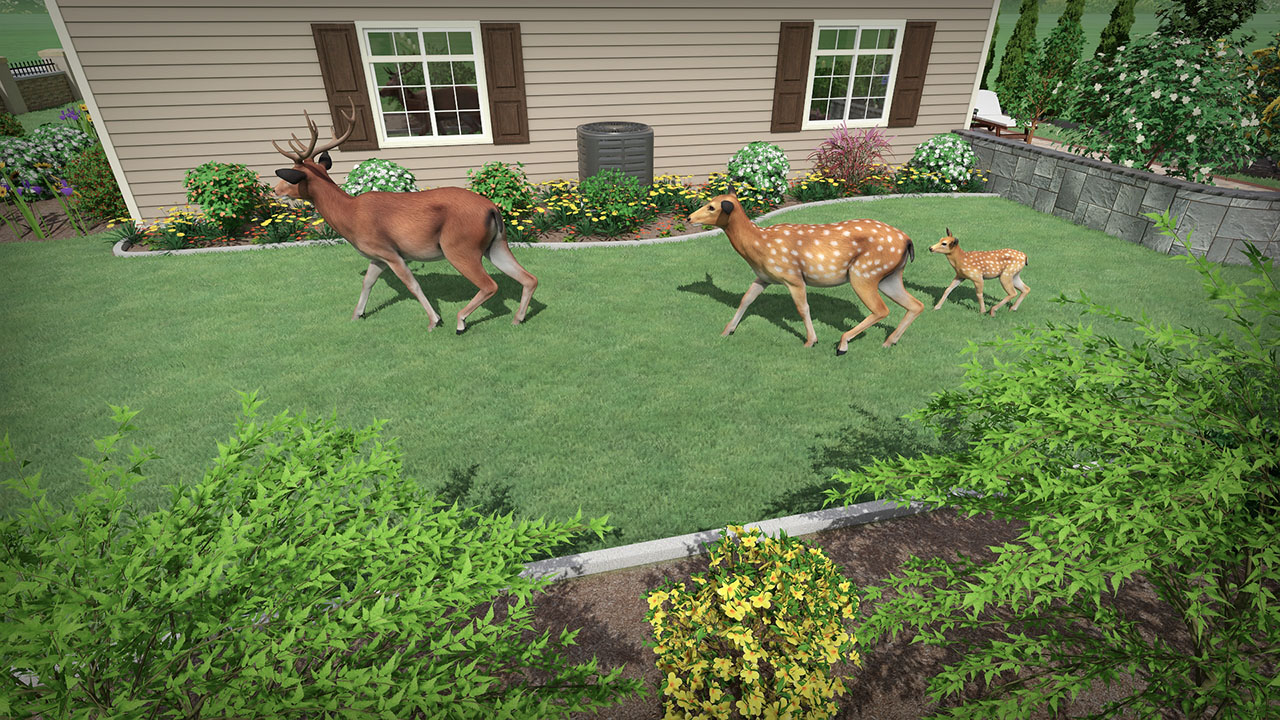
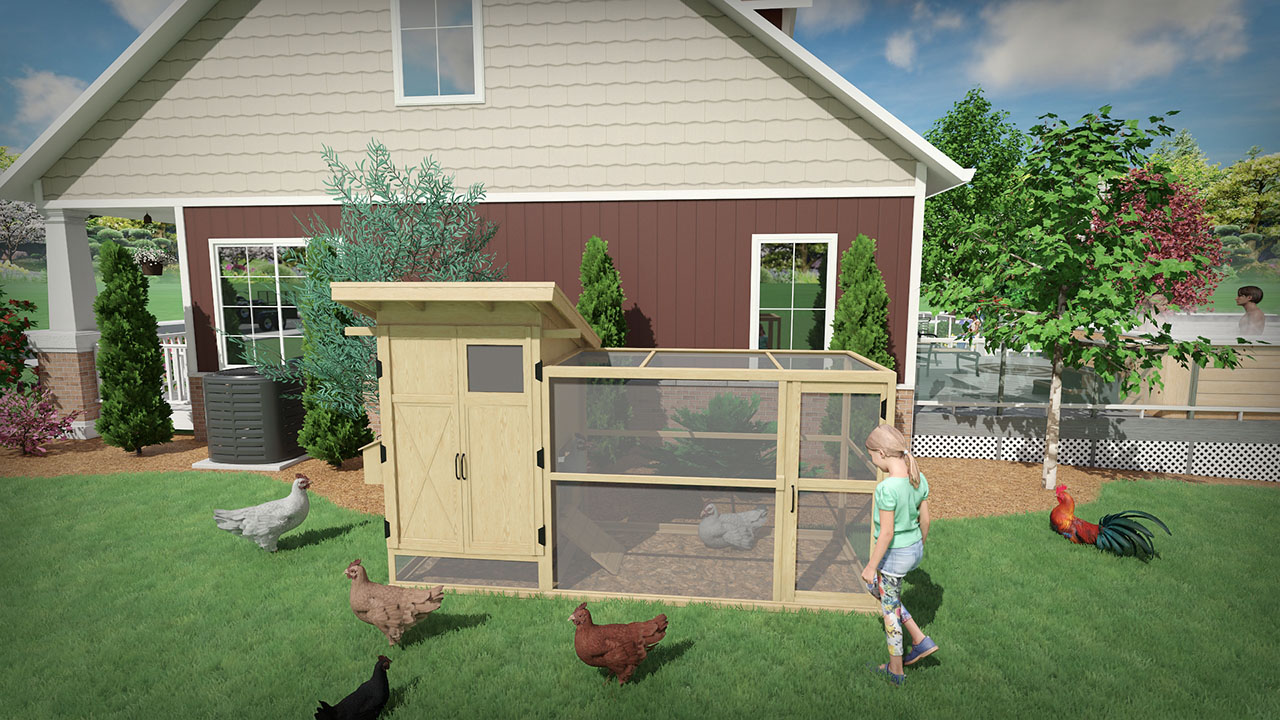
New Animated Animals
A family of deer, four hens, and a rooster have been added. Animations include standing, sitting, lying down, and walking.
Customizable Keyboard Shortcuts
Keyboard shortcuts can now be customized for most commands.
Existing shortcuts can be reassigned, and new shortcuts created for commands that did not previously have them.

Customizable Keyboard Shortcuts
Keyboard shortcuts can now be customized for most commands. Existing shortcuts can be reassigned, and new shortcuts created for commands that did not previously have them.
Other Features and Improvements
- Added a Currently Used browser category for materials and other objects, making it easier to find and reuse items already in the design.
- Import custom PBR materials more easily with an enhanced Picture Import Wizard. The wizard now automatically looks for related files, such as normal maps.
- Move doors, windows, and lights between houses. It is now easy to detach a house object from one house and move it to another.
- New Offset support allows portions of shapes to be copied and pasted more easily.
- Copy and paste more quickly by holding the ALT key and dragging an object.
- A visual rotation helper has been added to many objects to assist with faster orientation.
- Time of day and sun direction can now be saved with each saved viewpoint.
- Placing objects into specific layers has been streamlined.
- Object properties can now be copied and pasted between objects.
- Default object properties can be saved for use in future designs.
- The base terrain appearance has been improved when viewed up close.
- Angle snapping has been improved to snap to exact multiples of the designated snap angle.
- Grid transparency can now be adjusted.
- Added additional options for displaying measurement units in dimension objects.
- Rock Border, Stone Edging, Plant Fill, and Plant Row objects now support elevation adjustment.
- The Picture object now includes an Angle property for more precise orientation.
- The Move dialog now supports directly setting an object’s X and Y position, and can be used to view an object’s exact location.
- Other fixes and enhancements.
Path Traced 3D Movies and Panoramas
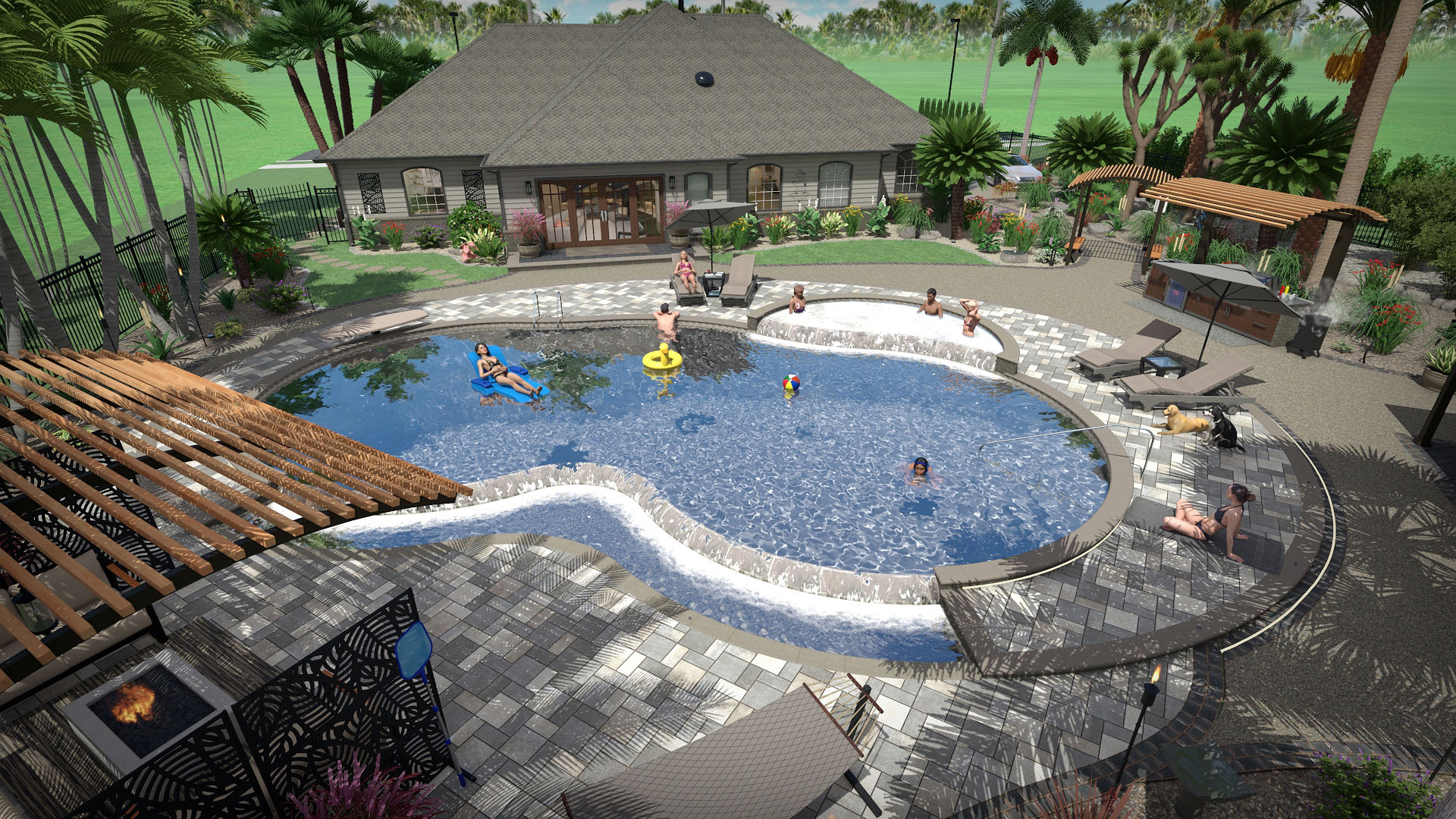
Render 3D movies and panoramas more quickly with the updated Path Tracer, and upload them to social media and image sharing sites for interactive viewing.
Already own Architect? Upgrade Now
Already own Architect? Upgrade Now
Download Immediately: After making a purchase, you will receive a personal download link.

"The software is a complete set of tools for designing lawns, buildings, decks, patios, edging, retaining walls and other landscaping features." - Landscape Architect magazine review
Download Immediately: After making a purchase, you will receive a personal download link.

30 Day Money Back Guarantee
If you are not 100% satisfied with Realtime Landscaping Architect, simply return it within 30 days for a full refund. More